Ai K9 Codee Codee Shop Upload Summary

Guidebook shop plan

Clickable upload map for today.

This page keeps AIK9 Shop, Invest in Vets Shop, and Made For This Shop in one place. Each section shows the live page, the upload folder, what is already ready, and what should be added to reach at least five guidebook-style assets per shop.

Shop Buckets

Use these as the working upload destinations before deploying the public site.

Upload guidebook bundle

AIK9 Shop

Goal: at least five AIK9 guidebooks or training assets ready for buyer delivery.

Codee original/frontend-public/codeesite/aik9shop/assets/downloads/
  • Upload: handler checklist, starter guide, shop launch guide, fitness planner, and business guide.
  • Then connect each file to a product card or checkout delivery URL.
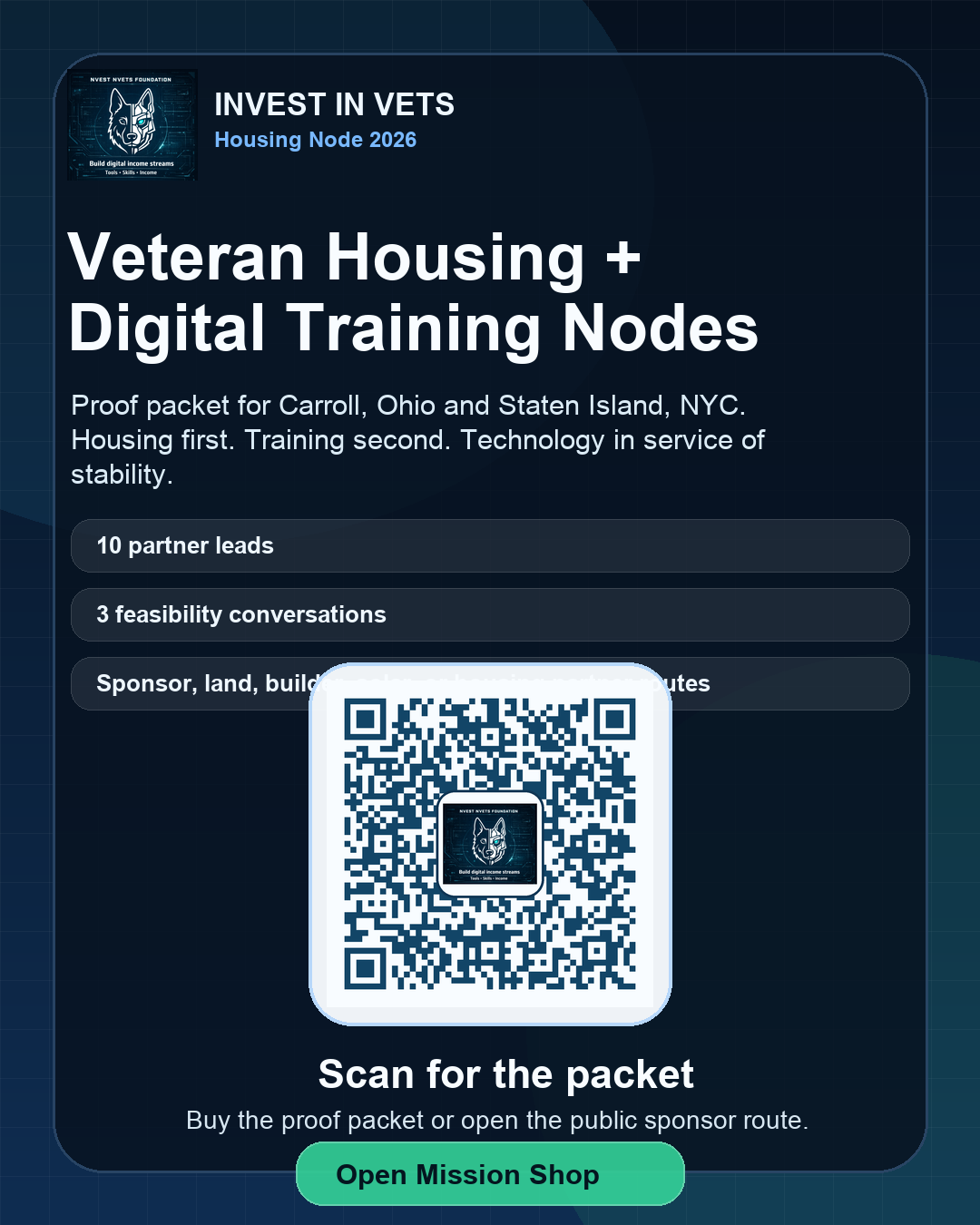
Invest in Vets

Goal: five veteran mission, housing, sponsor, and founder support assets.

Codee original/frontend-public/codeesite/nvestnvets/assets/downloads/nvest-guide-library/
  • Upload: housing node packet, veteran resource guide, sponsor packet, homefull starter guide, and founder business guide.
  • Keep this shop mission-first and proof-first.

Codee Service Focus

Public Codee should push the ready-now services first. Advanced lanes stay in demo or standby until they are tested.

Open simplified Codee Chat

Flagship lanes now

  • Codee Audit: free diagnosis and recommendation.
  • QRCodee: branded QR image and hosted scan page.
  • CodeeFlyer100: one finished flyer, one tap action.
  • CodeeFlyer300: standby advanced AI-generated hosted flyer with multiple CTAs, QR overlay, and owner approval.

Standby lanes

MiniCodeeSite is the more advanced custom website and automation service. It includes CODEECLI starter access, 30-day support, and one weekly 30-minute consultation while the site launches. CodeeCard, CodeeBlog, larger suites, and extra services remain demo/reference lanes for now.

Next Upload Steps

Simple order for finishing the shop assets today.

Operator checklist

  • Drop final PDF, HTML, PNG, or ZIP files into the correct folder above.
  • Add or update the public product card that points to the file.
  • Update checkout delivery URLs when the guide is paid.
  • Deploy hosting and click every public link after deploy.

Backend source of truth

Paid guidebook delivery currently maps through the product catalog in:

Codee original/backend/stripe_routes.py

When a guide becomes paid, its delivery URL should match the public file or delivery room URL exactly.